
Your everyday PDF editor
Add notes. Mark up pages. Organize documents.
PDF editor with powerful tools for notes and markup
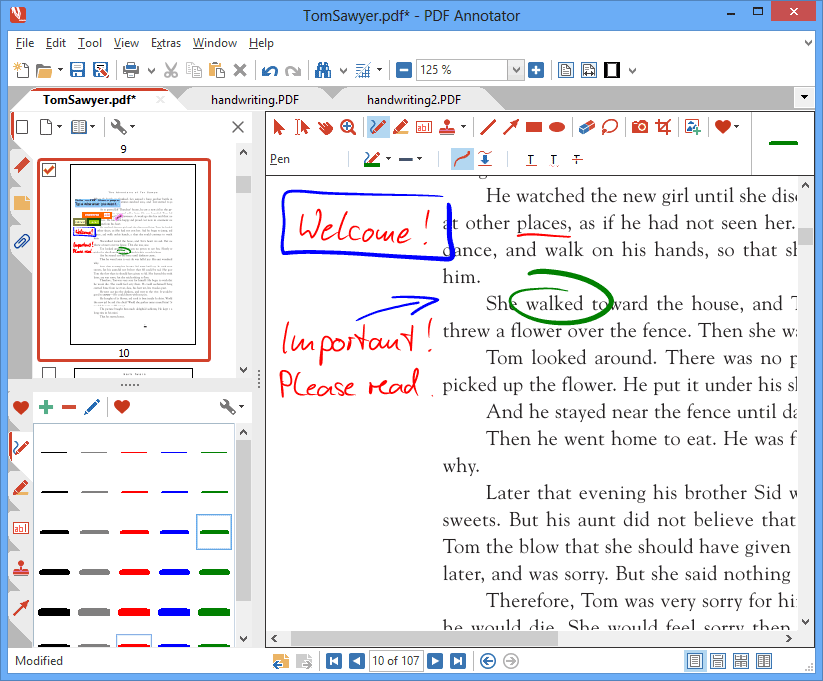
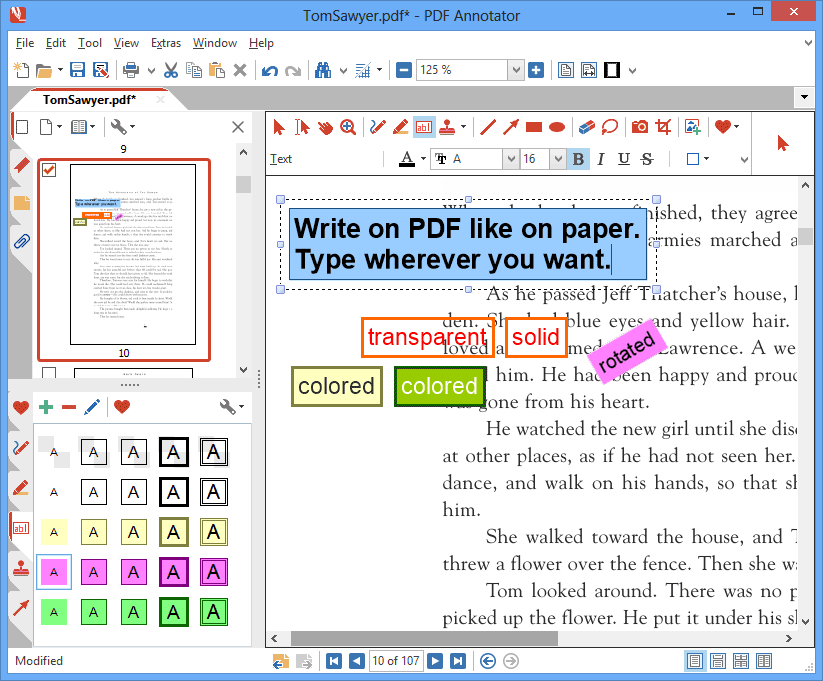
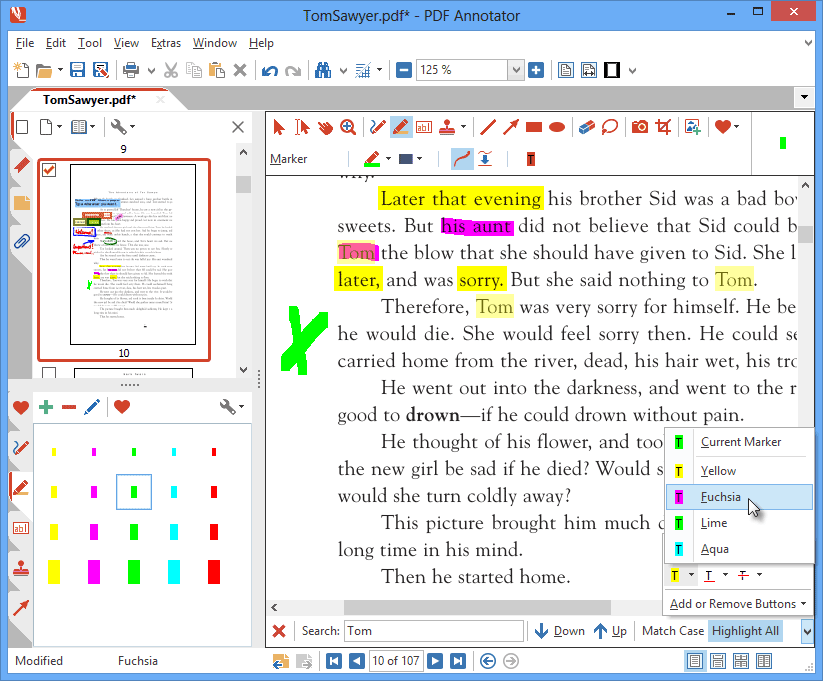
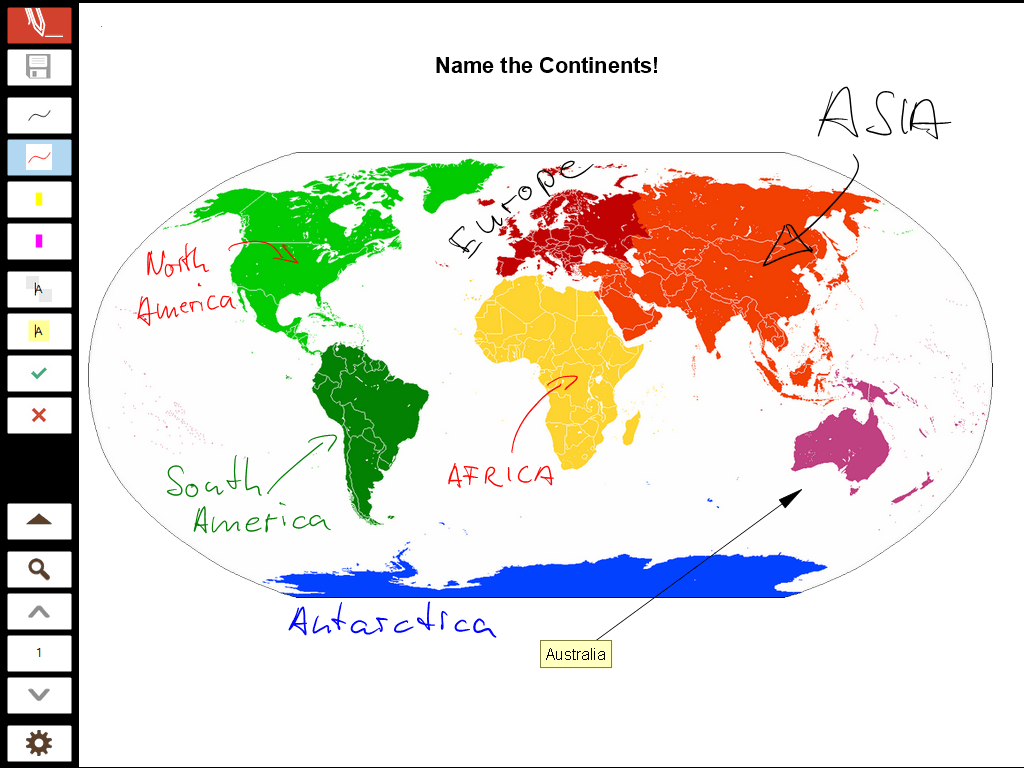
- Add text, handwriting, highlights and drawings
- Create, combine and organize documents
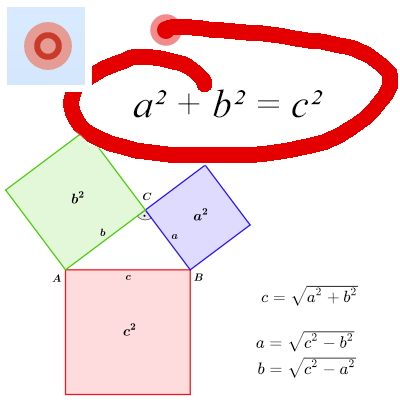
- Present PDFs in full screen
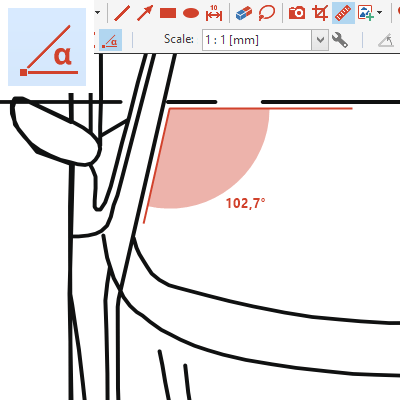
- Measure and Dimension
For students taking notes, educators giving feedback, engineers reviewing plans, professionals organizing documents.
Annotate your PDFs – add text, handwriting and drawings
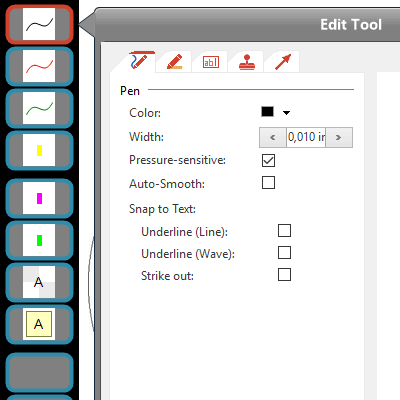
Type, Write & Highlight
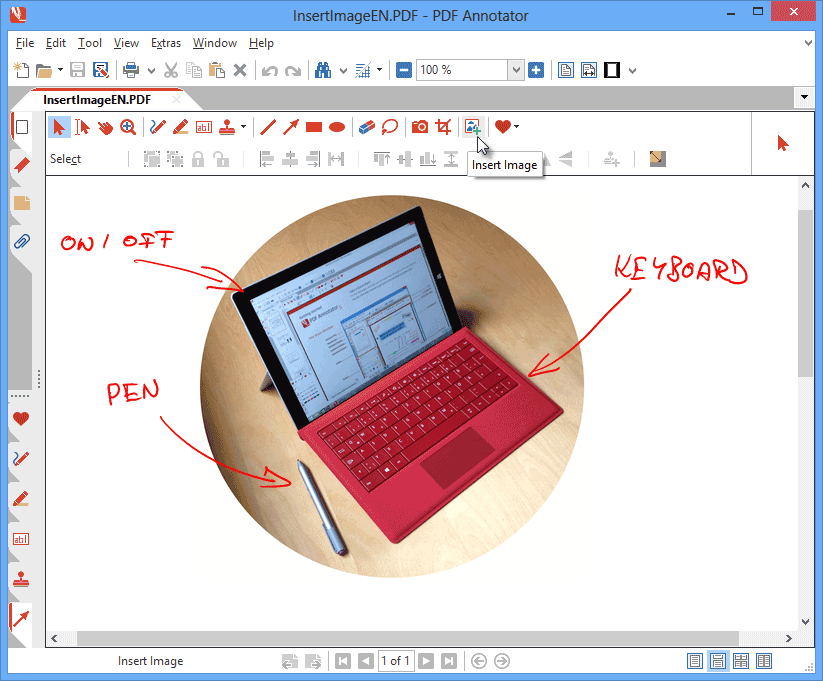
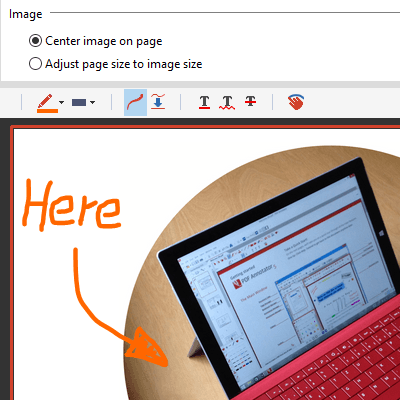
Add Markup & Images
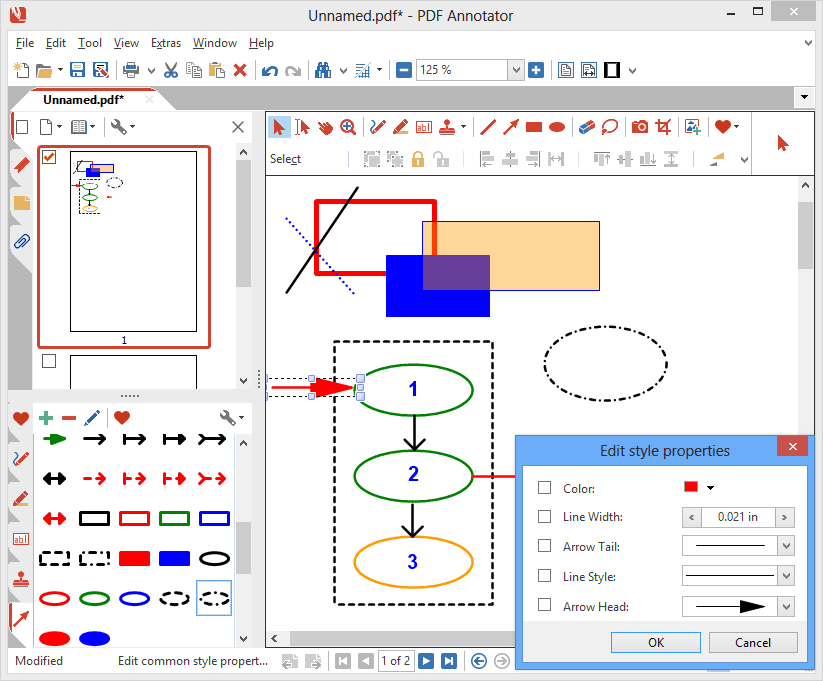
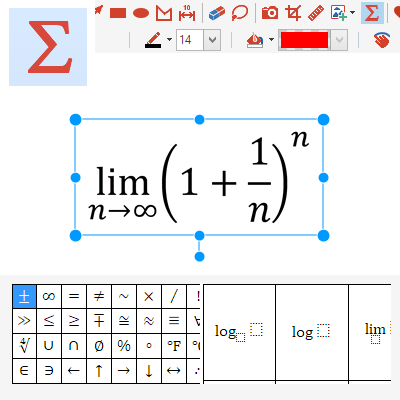
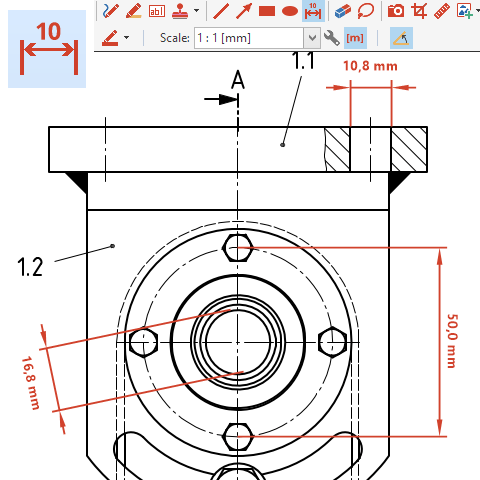
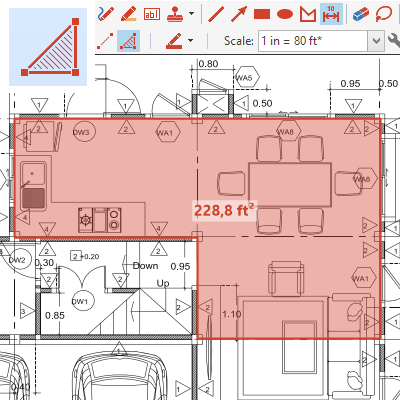
Measure & Dimension
Stamp & Number

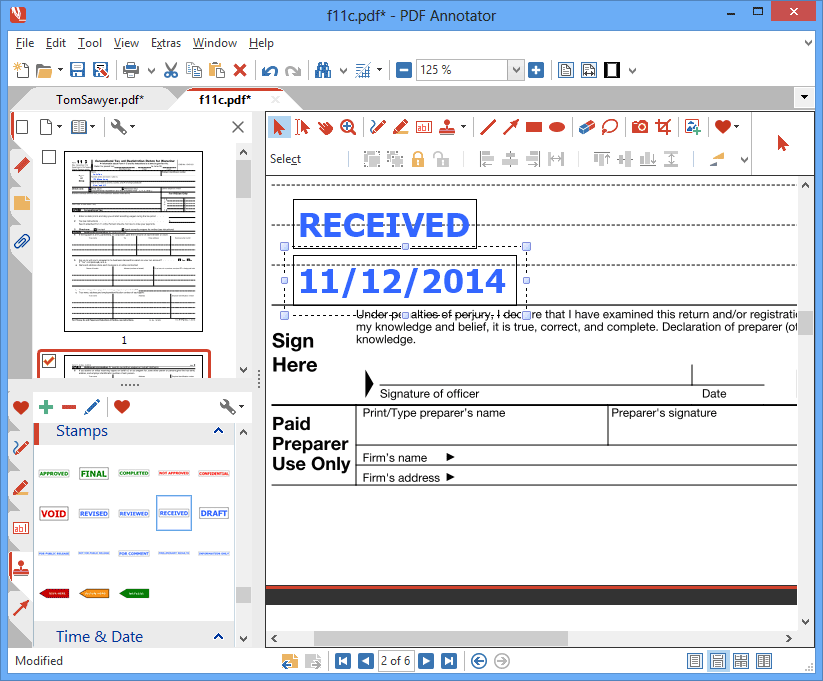
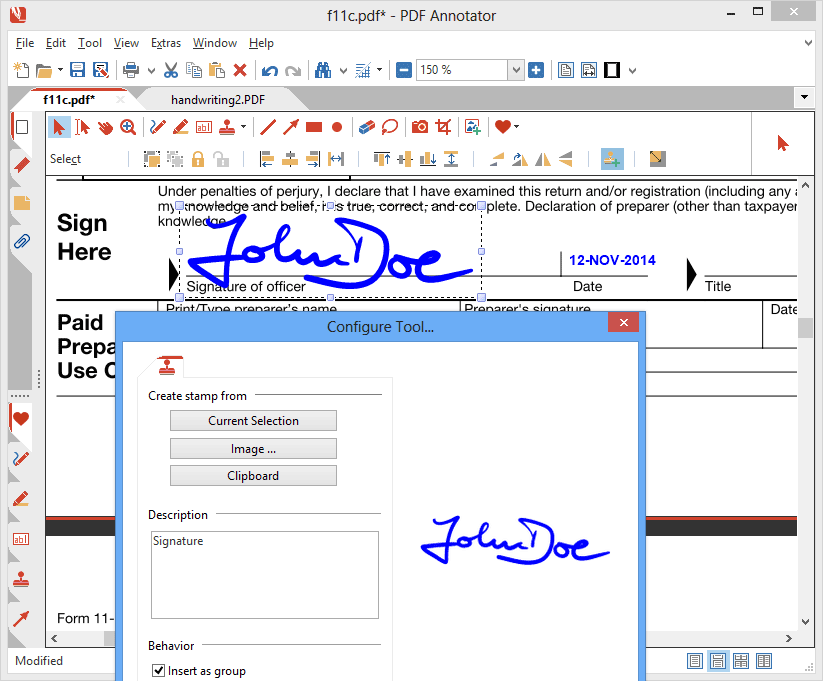
Create, present and combine PDFs, and organize pages
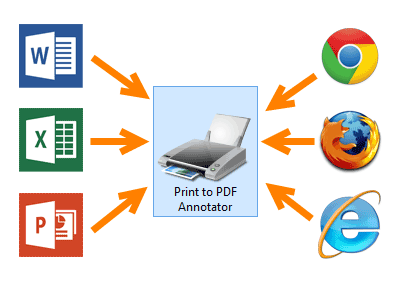
Create & Convert
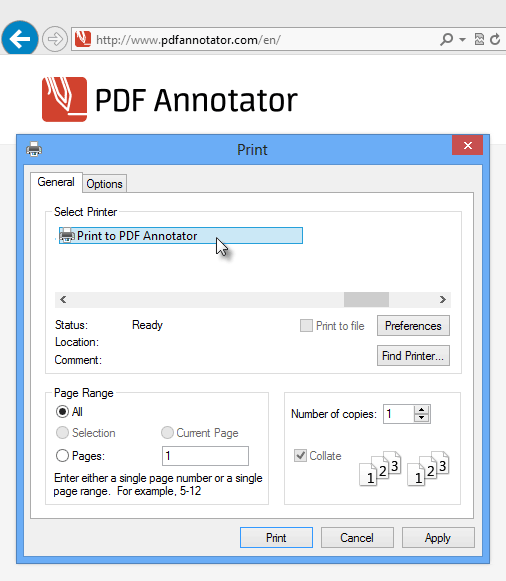
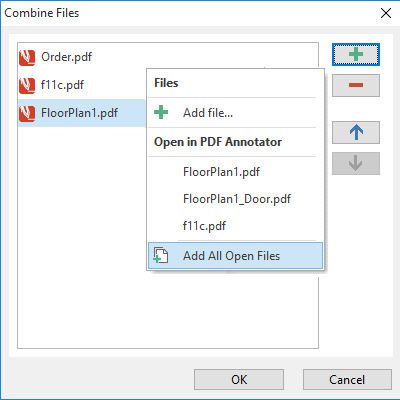
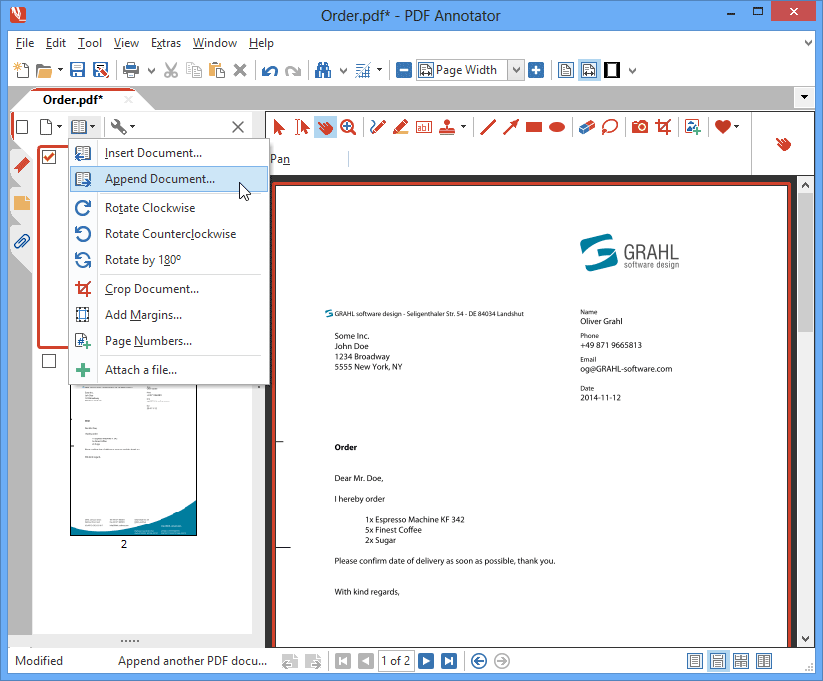
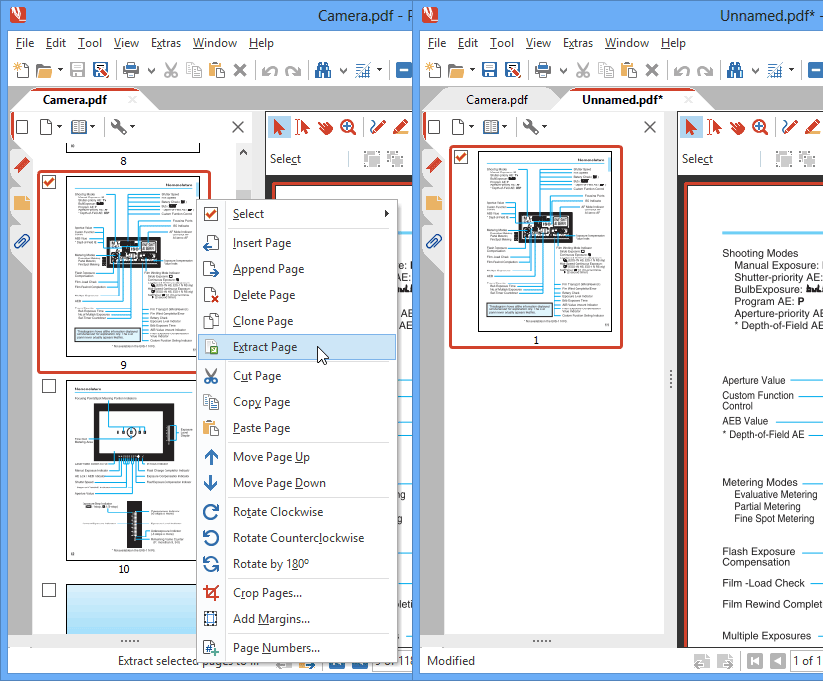
Combine & Merge
View, Print & Present
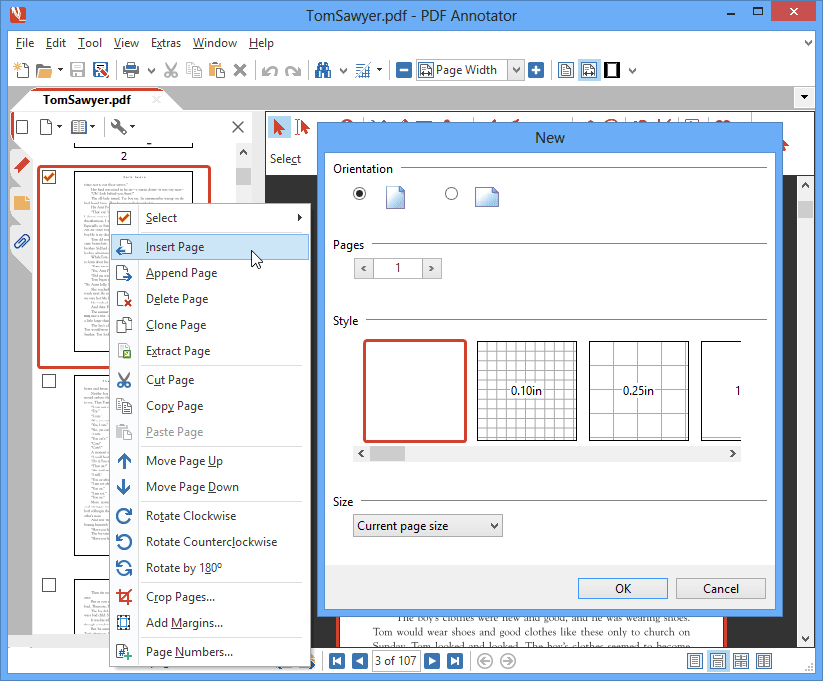
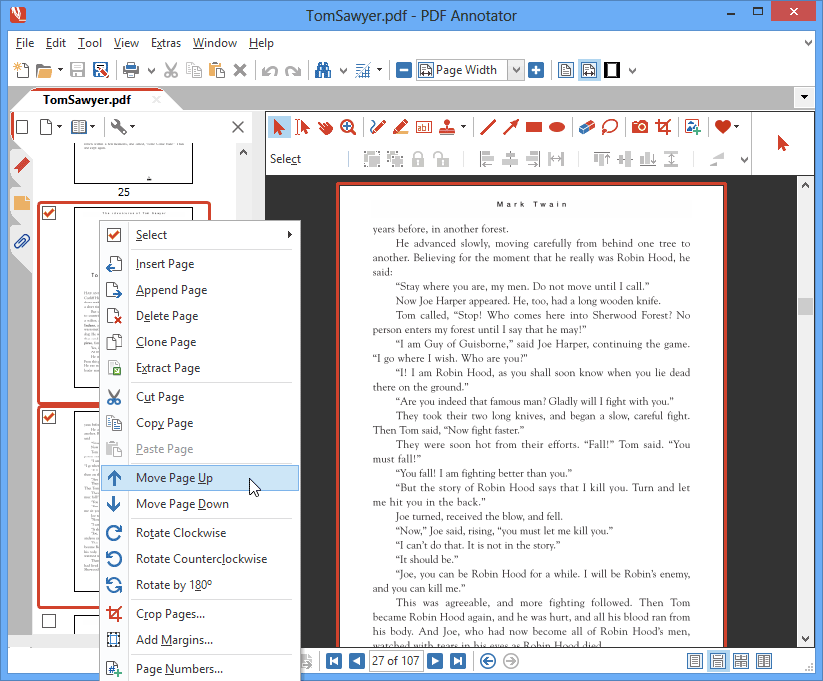
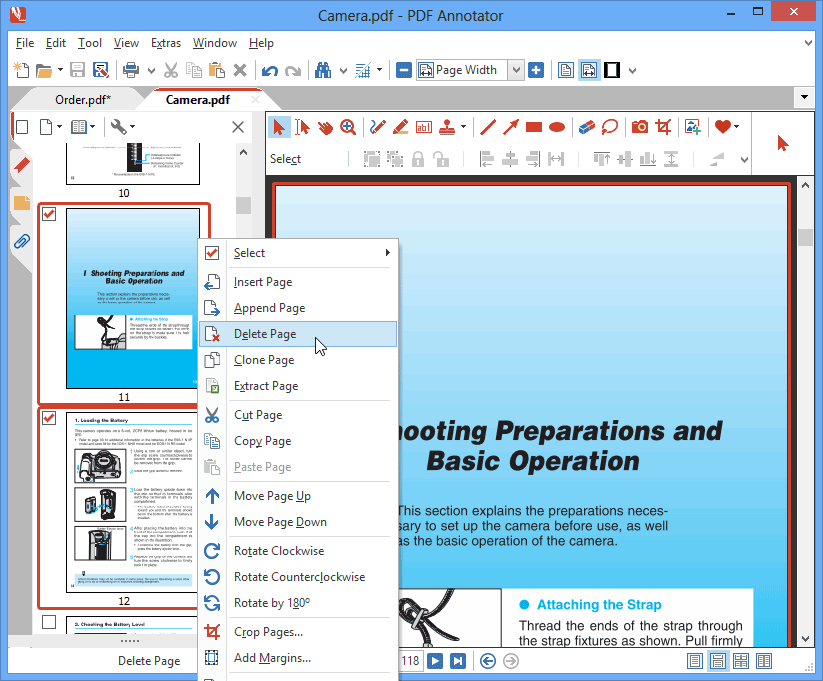
Split & Reorder Pages
455,000+ PDF Annotator Lovers!

Today, more than 455,000 satisfied users in 178 countries use our software.
Here's what they say about PDF Annotator:
"Get ready to kiss Adobe Acrobat good-bye"
"Because PDF Annotator is now available and it is packed with so much new functionality it’ll leave you saying “Acrobat who?”"













Award Winning Software
Winner at Microsoft Tablet PC Contest sponsored by HP and PC Magazine!
Epsilon Award Winner ~ SIA Awards Nominee
Frequently Asked Questions
PDF Annotator lets you add handwritten notes, text, highlights, drawings, stamps, and images directly to your PDFs. Use it to review and comment on documents, annotate teaching materials, or capture your ideas. You can also add and rearrange pages or combine multiple PDFs.
No. PDF Annotator works on your Windows PC or laptop with a mouse and keyboard. On a Windows device that supports pen input, you can also write, draw, and highlight naturally by hand—for example, with a Surface Pen.
Yes. Your annotations are saved directly in the PDF file. You can share the annotated document, and recipients can open, view, and print it using a standard PDF viewer. They do not need their own PDF Annotator license.
No. PDF Annotator is a locally installed Windows application that processes your documents on your computer. Your PDFs are not uploaded to our servers for editing. You decide where to save your files and who to share them with.
Yes. You can try PDF Annotator free for 30 days with all features available. Download the trial and explore the software using your own documents. If PDF Annotator is right for you, you can purchase a license and activate your existing installation.
Get this must-have PDF tool for your PC!
Either install our 30-day trial today, or make use of our 60-day money-back guarantee. We know that you will like it.